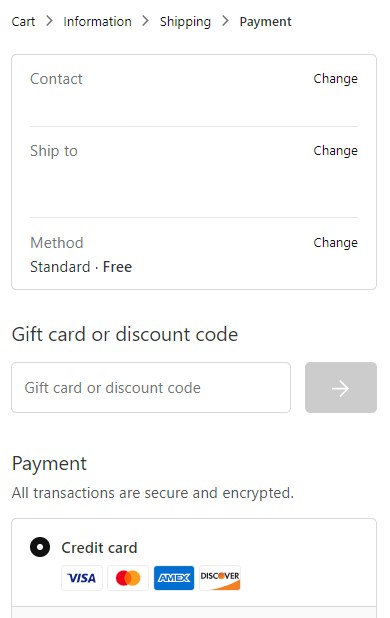
How can I add a promo code?
Please enter your promo code during the checkout process in the “Gift Card or discount code” box. Be sure to click “Apply”.
Please note:
- Only one promo code can be used per order.
- Sale and Last Chance items have already been discounted and are not eligible for promo codes.
- For a complete list of exclusions and terms, refer to individual promo code policies.
Mobile View